
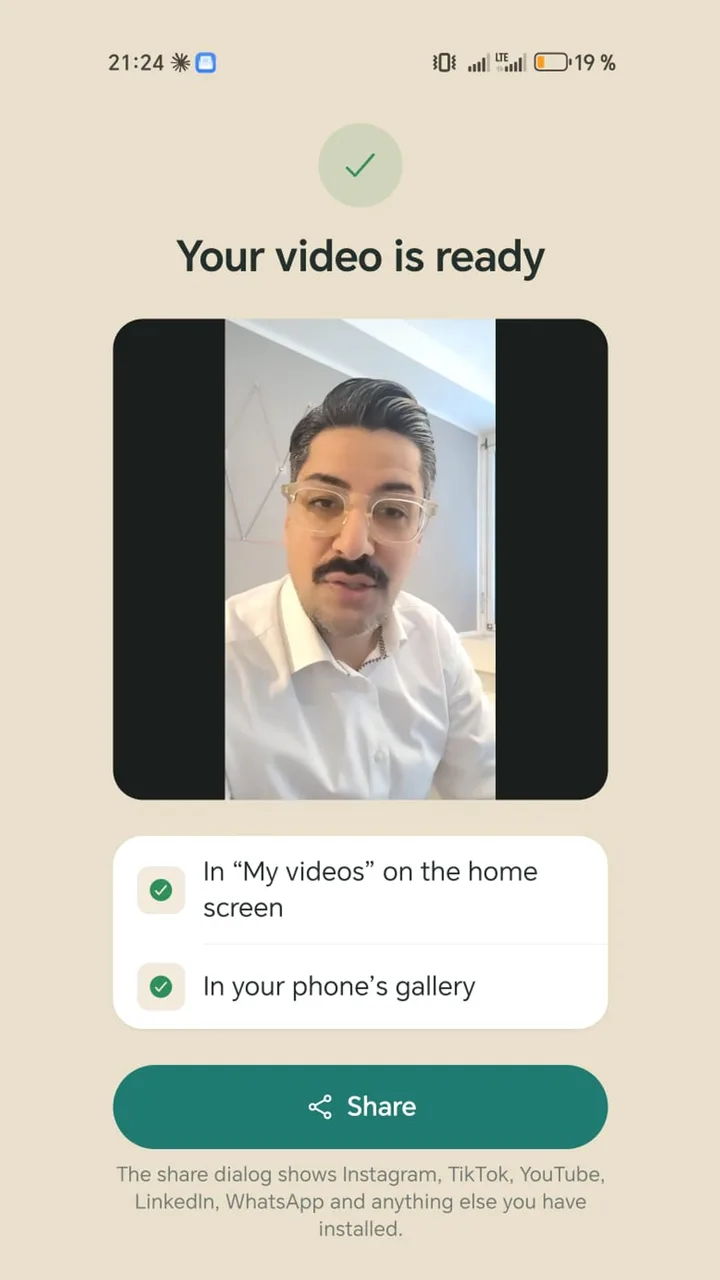
Real estate videos that work
- Listing walkthrough with you on camera: three things that make the home special, and who it suits.
- Market update: what's changing in your area and what it means for sellers or buyers.
- Questions from the field: what paperwork does a seller need, how does a viewing work.
- Agent intro: who you are, which neighbourhoods you know, how you work. For your website and profile.
- After a viewing: a personal video for interested buyers covering open questions.
Example script: a listing in 45 seconds
“Three bedrooms, second floor, and the best part is out here: the balcony faces west, so you get sun from mid-afternoon. The kitchen was redone in 2022 and the windows are new. The elementary school is a seven-minute walk. It suits a small family or a couple who needs a home office. Viewings start next week. The full listing is linked in the description.”
No square footage that's already in the listing. The video shows what photos can't: light, distances, how it feels.
How to film on location
- 1
Write the script beforehand
At the office, not in the stairwell. One or two sentences per room.
- 2
The right camera
For walkthroughs without you in shot, the rear camera is usually better. When you talk to camera yourself, put the front camera on a tripod so you can read the text.
- 3
Use the light
Book daytime slots, open the blinds, turn the lights on. Avoid filming into a window.
- 4
Stay vertical
9:16 works on Instagram, TikTok, Shorts and WhatsApp Status.
- 5
Make it recognisable
Logo in a corner, end card with your name and contact.
Mistakes to avoid
- Reading out the listing: numbers belong in the listing; the video tells the story.
- Tenants, family photos or mail in shot: agree with owners and tenants on what can be shown.
- Shaky walk-and-talk: steady shots with you talking work better.
- Echo in empty rooms: in unfurnished homes, stay close to the phone or use a clip-on mic.
Teleprompter Cut for agents
The teleprompter shows your script over the camera view, front or rear camera. The app converts the video to vertical, adds captions from your text and, if your buyers are international, a second language in smaller type below, such as Spanish or German. Set up your logo and end card once, then share straight to Instagram, YouTube, LinkedIn or WhatsApp.