
Three kinds of video every coach needs
- Visibility videos: one tip, one exercise, one thinking trap, 30 to 60 seconds, for Reels, Shorts and LinkedIn.
- Trust videos: how you work, who you work with, what a first call gives people. For your website and profile.
- Lesson videos: units for a course, a group programme, or follow-up after a session.
How to structure a lesson video
- 1
One learning goal
Write one sentence first: after this video, the learner can …
- 2
Why it matters
Start with the situation where the skill is needed, not with theory.
- 3
The tool
Explain the method in three to five short steps, with an example.
- 4
One task
End with something the learner can try today.
- 5
Keep it short
Several short lessons beat one long video. People can find things again.
Example: a tip video for managers
“You ask a question in a meeting and nobody answers? That's rarely the team. It's usually the question. ‘Any objections?’ can be answered with silence. Ask this instead: ‘What's the biggest risk in this plan?’ That question assumes there is one. Try it in your next meeting and watch who speaks first.”
A situation the audience knows, a simple explanation, one sentence to take away, one task.
Mistakes that weaken coaching videos
- Too much at once: explain five methods in one video and viewers remember none.
- Jargon: terms from your training are foreign words to most clients.
- Talking freely with no plan: fine in a session, rambling on video.
- Lots of “um”s: normal in conversation, unsure on camera.
- No captions: lesson content in particular gets watched on the go with the sound off.
How Teleprompter Cut supports you
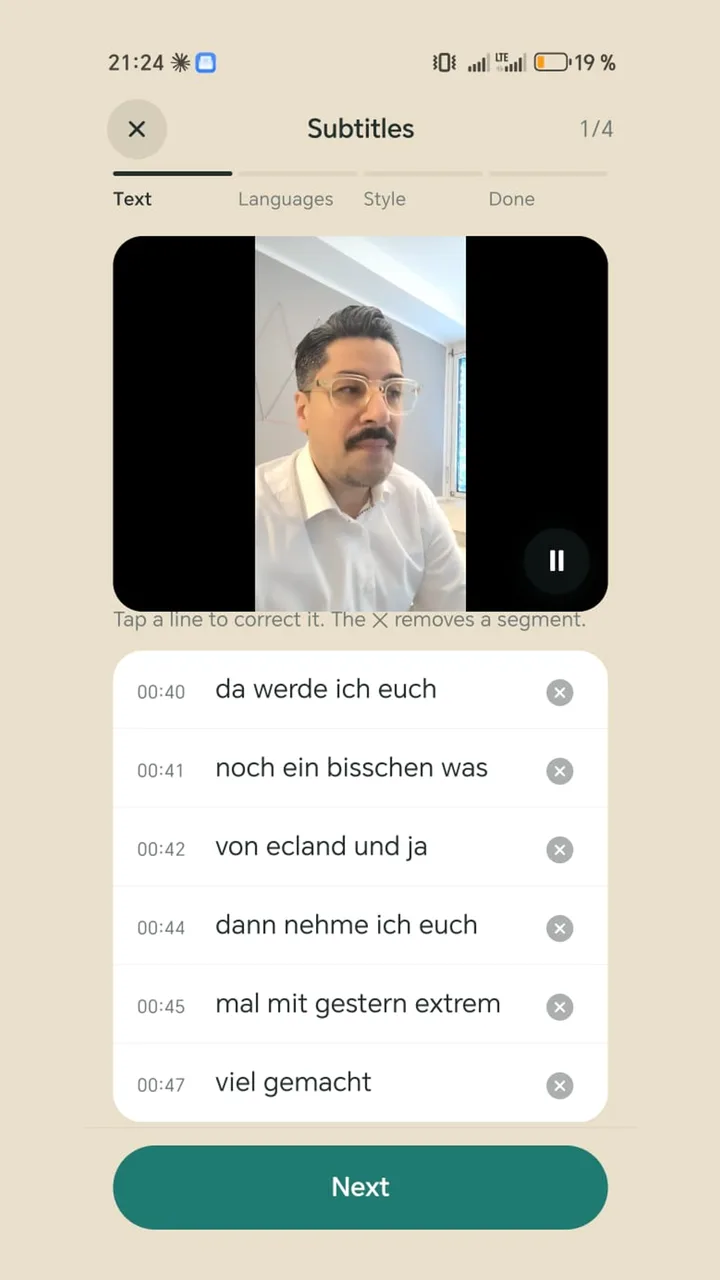
The teleprompter keeps your structure in front of you without looking down at notes. Afterwards the app finds filler words like “um” and repeated words with Whisper on the device. You download the model once (57 or 182 MB) and then it runs offline. You decide in a checklist what goes. Captions come from your script, with an optional second language underneath if you work internationally. For lessons that stay in a course for a while, a logo and end card are worth setting up.