
What makes LinkedIn different
On LinkedIn your colleagues, clients, candidates and former boss are watching. The tone is more professional than TikTok, but not formal. What works best is anything you'd tell a client over coffee: something you noticed on a project, a mistake you learned from, a clear opinion on an industry question.
Sales talk stands out faster here than anywhere else. Show how you think, not what you sell. The offer follows from the expertise.
Topics that suit LinkedIn video
- A lesson from a current project, without client names.
- A question you hear on every sales call, and your honest answer.
- A trend in your industry and what it means for your audience.
- Behind the scenes: how your team solves a problem.
- Recruiting: what a day at your company looks like, told by someone on the team.
Example script: a 45-second insight
“Last week a client asked me why nobody ever replies to his proposals. We looked at the email. Four pages, price on page three. My advice: put the price and the next step in the first two lines. Everything else goes in the attachment. He sent his next one that way. How do you handle it? Tell me in the comments.”
A concrete situation, one problem, one piece of advice, one question to your network. No names, no pitch.
Recording and polishing
- 1
A calm frame
A tidy desk or a plain wall. Light from the front, ideally a window.
- 2
Eyes on the lens
Keep the script close to the camera so you look at your viewer, not at the screen.
- 3
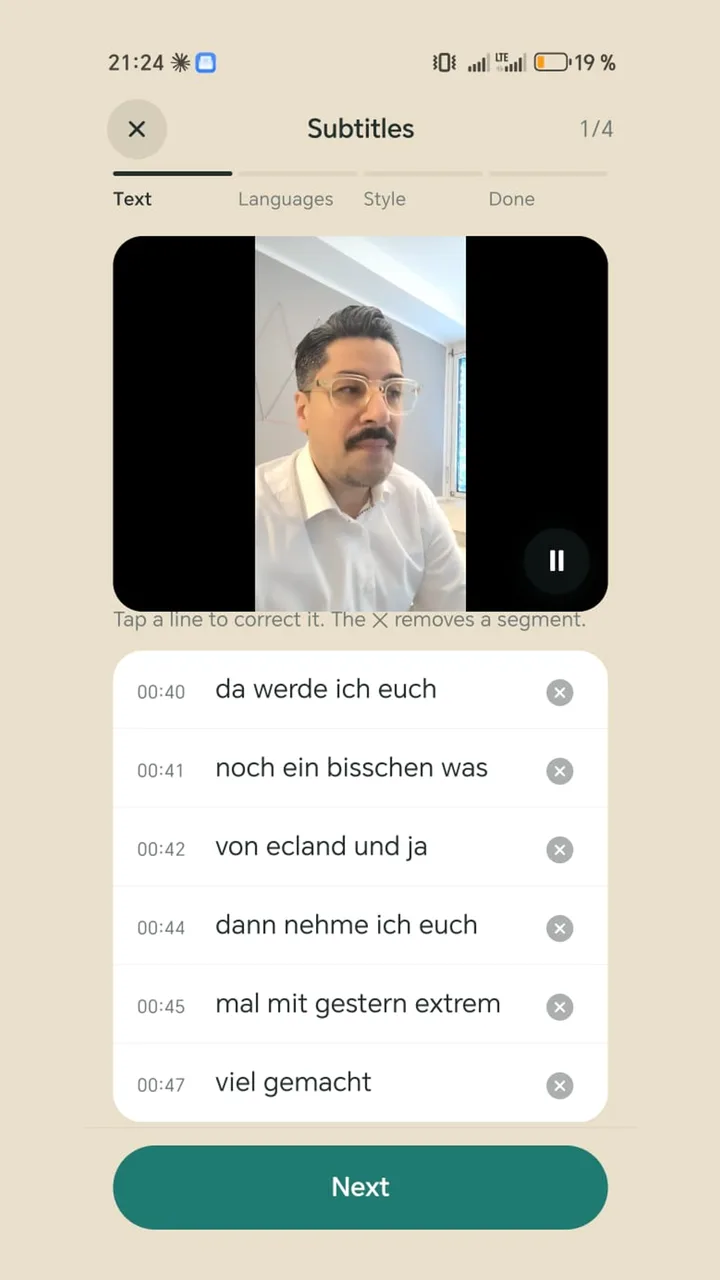
Add captions
Without captions you lose everyone scrolling on mute. Short segments read better than full sentences.
- 4
A second language if needed
If your network is international, a second caption line in another language helps.
- 5
Write the post
Sum up the key point in two sentences and invite people to discuss.
Mistakes that cost reach and trust
- Reading with your eyes down: it looks unsure and distant.
- A brand film instead of an insight: polish without substance gets scrolled past.
- Too long: if one thought takes three minutes, the script isn't finished yet.
- Confidential things in the background: check whiteboards, screens and files first.
Doing it with Teleprompter Cut
The teleprompter shows your script over the camera view, so you read and keep eye contact. Captions come straight from the script, with an optional second language underneath, translated on the phone. Set up your logo and end card once, then share directly to LinkedIn. Because everything stays on the device, nothing is uploaded anywhere before you post it yourself.