
How Shorts differ from Reels and TikTok
Technically Shorts are close to Reels: 9:16, short, in a swipe feed. The difference is the setting. On YouTube people search for answers and often go on to watch longer videos. A Short that answers one specific question fits that perfectly.
Since 15 October 2024, YouTube allows Shorts up to three minutes long, as long as the video is square or taller. That is a ceiling, not a target. A clear answer in 40 seconds beats three minutes of detours.
Make a Short in five steps
- 1
Pick one question
Choose a question your audience really asks: in comments, on sales calls, in search.
- 2
Answer first
Give the answer in the first sentence, then explain. People who know the answer stay for the why.
- 3
Film vertically
Phone upright, lens at eye level, calm background. Read the script over the camera view.
- 4
Cut and caption
Pauses out, captions in the middle of the frame, a gentle zoom on key sentences.
- 5
Make it recognisable
Your logo in a free corner and an end card that points to your next video or your channel.
Example: a Short that answers a question
“Do you need a camera for YouTube Shorts? No. Your phone is enough if you get three things right. One: face a window. Two: record in a small room with carpet or curtains, so it doesn't echo. Three: put the phone at eye level, not below it. The full guide is on my channel.”
Answer in the first line, three short points, and a close that leads somewhere.
Common Shorts mistakes
- A clip cut from a long video with no opening of its own: without context nobody knows what's going on.
- Landscape with black bars: the Short looks small and unfinished.
- Text where YouTube puts its title and buttons.
- No link to your channel: if someone likes the Short, they should know where to find more.
Making Shorts with Teleprompter Cut
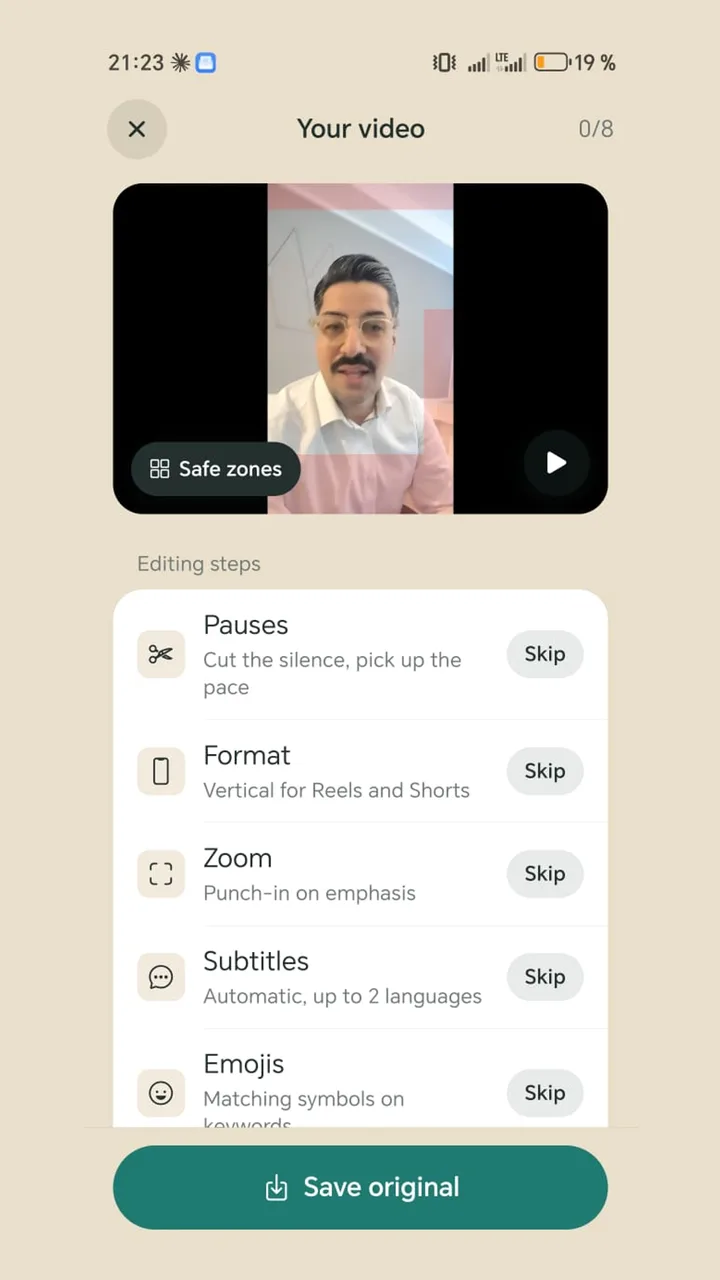
Read your script with the teleprompter right over the camera view. The app then brings the video to 1080 × 1920 pixels, cuts the pauses, adds captions from your script and eases in on sentence starts. Set up your logo, end card and progress bar once and they appear in every video. Share straight to YouTube when you're done.
Everything runs on your Android phone, free and without an app watermark.