
What to do when export hangs
- 1
Free up storage
The most common reason. Export creates temporary files that can be as large as the video itself.
- 2
Keep the app in front
Android stops background work. Keep the screen on and don't switch apps.
- 3
Turn off battery saver
It throttles performance just when the video is being rendered.
- 4
Try a shorter version
If a short clip works, the cause is usually storage, heat or the video's length.
How the video is made in Teleprompter Cut
You pick your steps: pauses, format, zoom, captions, brand and sound. The video is then rendered exactly once rather than once per effect. It happens on your phone, so export needs no internet and nothing to upload.
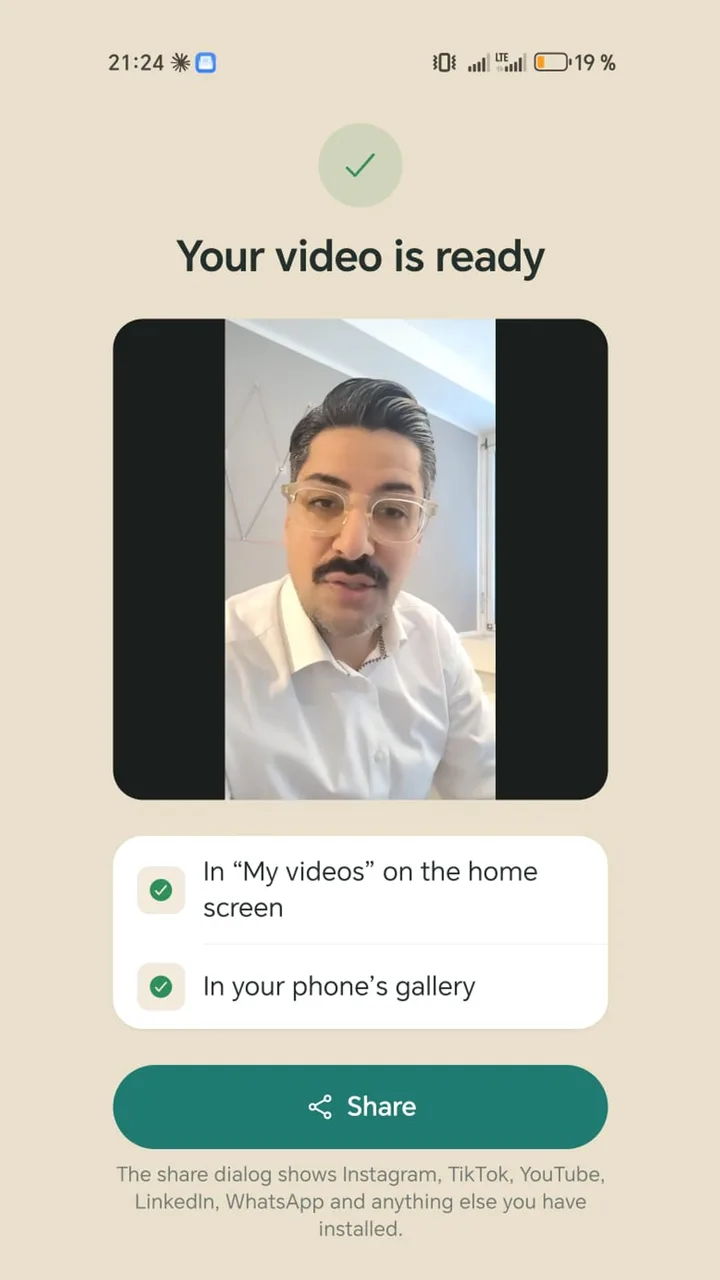
The finished video goes into the app's library and, if you like, your gallery, with no watermark and no app end clip.
Getting the quality right
- Clean the lens before you record. It often does more than any setting.
- Record in good light, as darkness costs phones the most sharpness.
- The rear camera is usually better than the front camera.
- Instagram and TikTok re-encode every video after upload. Quality loss there has nothing to do with your export.