
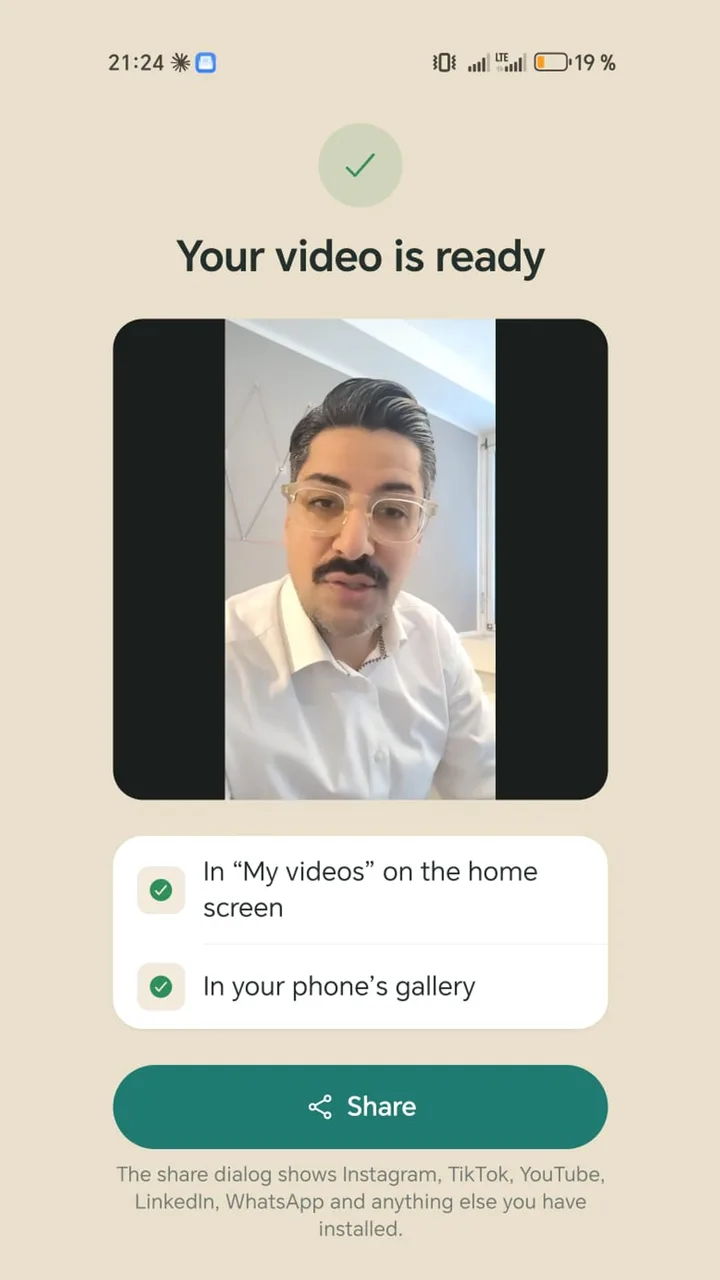
Video editing with no watermark: which free apps really deliver

Someone else's logo in your video looks unprofessional, and some platforms don't love it either. Teleprompter Cut adds no watermark and no end card, only your own logo if you set one up. Here is how the other apps handle it according to their makers.

Free · No ads · No account

Teleprompter Cut: No watermark
Teleprompter CutOther apps (per maker)
Teleprompter CutTeleprompter Cut ahead: No watermark, no end card, no ads—
Instagram Edits—No watermark; Instagram account required
VN Video Editor—No watermark; free version shows ads
CapCut—CapCut end clip added by default, can be deleted; watermark on Pro elements
InShot—InShot logo on free exports, removal is a subscription feature; ads
BIGVU—Free plan: 720p with a watermark

Details on other apps are taken from the makers' websites, help centres and Play Store listings, as of 6 Nov 2026. Prices may differ by country and platform. We did not test the other apps ourselves.

Your logo instead of theirs

In Teleprompter Cut you set up your logo, an end card with your call to action and a progress bar once. The app remembers them and adds them to every new video. Free, with no paid tier.

Check before you post

  • Watch the video to the very end: some apps append an end clip.
  • Templates and effects marked “Pro” can trigger a watermark.
  • Some free versions cap the resolution, for example at 720p.

Questions

Does Teleprompter Cut add a watermark?

No, neither a watermark nor an end card. Only your own logo if you set it up.

Does CapCut add a watermark?

According to CapCut's help centre, a CapCut end clip is added by default and can be deleted. Watermarks come from Pro elements.

Which app is free with no watermark and no account?

Teleprompter Cut. Edits has no watermark either but requires an Instagram account.

2,000+

downloads · Without a single euro of advertising

Get it on Google Play

Free today: no ads, no subscription, no watermark.