
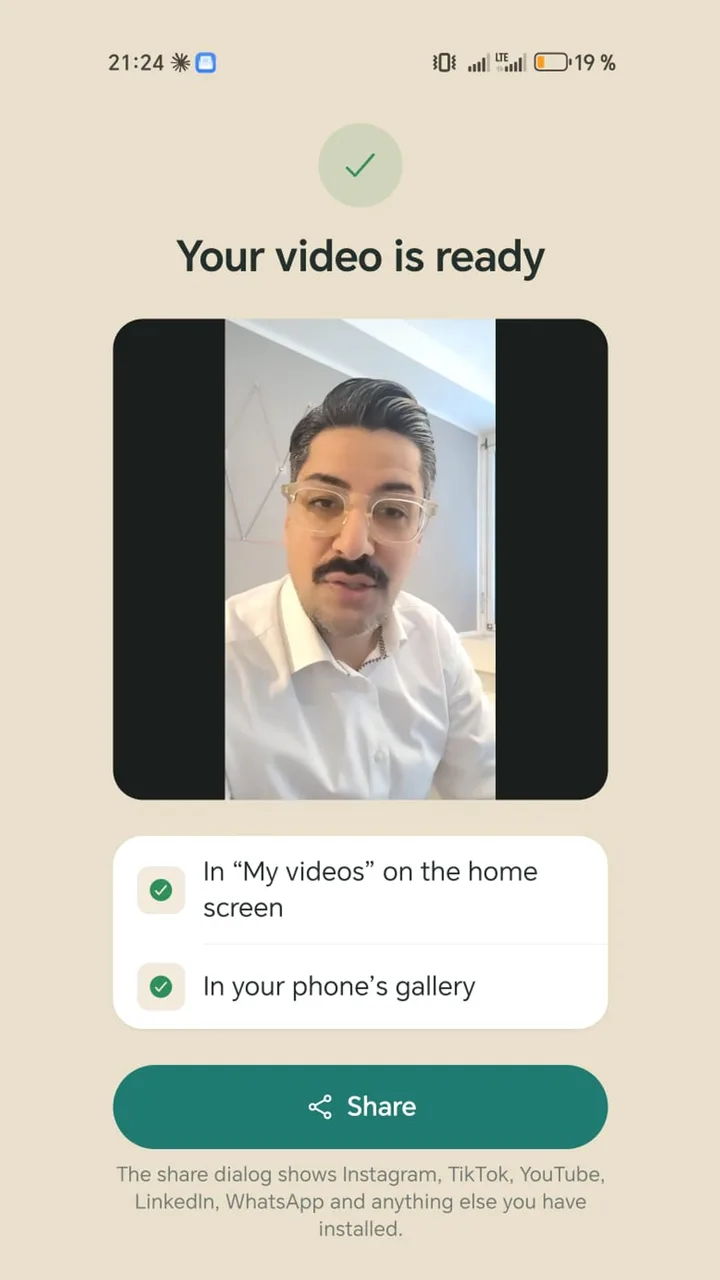
How a video works without a paywall
- 1
Record or open
Record with the teleprompter or open a video from your gallery.
- 2
Tick the steps
Pauses, format, zoom, subtitles, emojis, hook title, brand, sound. Each step is a tick with a few settings.
- 3
Create it once
The video is made on your phone, with no watermark and no prompt to upgrade.
What to check in free editors
- Templates, fonts and effects often carry a small crown or “Pro” badge.
- Export one test video before you start editing, so you see what the free version really gives you.
- Check the export resolution, as some free plans limit it.
- Watch the finished video to the end, as some apps add their own end clip.
Where Teleprompter Cut stops
It is not a big editor. There is no music, no transitions, no multi-track video or keyframes, and no noise reduction. It turns a take of someone talking into a finished video. For anything else, export to your gallery and carry on in the editor you like.