
Why people freeze up on camera
In conversation you get constant feedback: a nod, a laugh, a question. A camera gives nothing back. Your brain fills the gap with self-monitoring: how do I look, how do I sound, what comes next? That attention is taken away from your face and voice.
The good news is that this isn't about talent. It's about practice and preparation. If you know what you want to say and you've done it enough times, you relax.
Nine tips that help right away
- Talk to one person: imagine a client or a friend you're explaining this to.
- Smile before your first word: a quick smile at the start loosens your face and voice.
- Stand if you can: you breathe more freely and your voice carries more energy.
- Turn it up slightly: a bit more expression, gesture and emphasis than usual, because the camera absorbs some of it.
- Use your hands: gestures make your voice livelier, even when they're barely in shot.
- Breathe at the end of sentences: short sentences give you natural breathing points.
- A script in your own words: you don't have to think about what's next and can focus on how you say it.
- Look at the lens, not the screen: your own face is distracting. Keep the text as close to the camera as you can.
- Let slips go: breathe, repeat the sentence, carry on.
A two-minute warm-up
- 1
Loosen shoulders and jaw
Roll your shoulders, open and close your mouth wide a few times.
- 2
Hum
Hum for ten seconds with your mouth closed to warm up your voice.
- 3
A tongue twister
Once slowly and clearly, then faster. It wakes up your articulation.
- 4
A dry run
Say your first line out loud twice, with a smile and with emphasis.
- 5
Then record straight away
Don't wait around, or the nerves come back.
A short practice script
Record this three times in a row and compare: “I'm recording a video for you for the very first time today. Honestly, I'm a little nervous. But I've got something that will help you: a tip I wish I'd known years ago. Stick around, it only takes thirty seconds.”
The first take will probably sound stiff, the third noticeably freer. Getting used to it is the whole trick. Record a few short videos every week and you'll feel the difference within a month.
Habits that make you look unsure
- Watching yourself on screen: your eyes visibly miss the lens.
- Too quiet and too fast: nerves cause both. Go louder and leave pauses.
- Lots of “um”s: normal in conversation, hesitant on video. A script helps and editing does the rest.
- Stiff arms at your sides or crossed: let your hands talk too.
- Chasing perfection on video one: your first video doesn't have to be good. It just has to be finished.
How Teleprompter Cut takes the pressure off
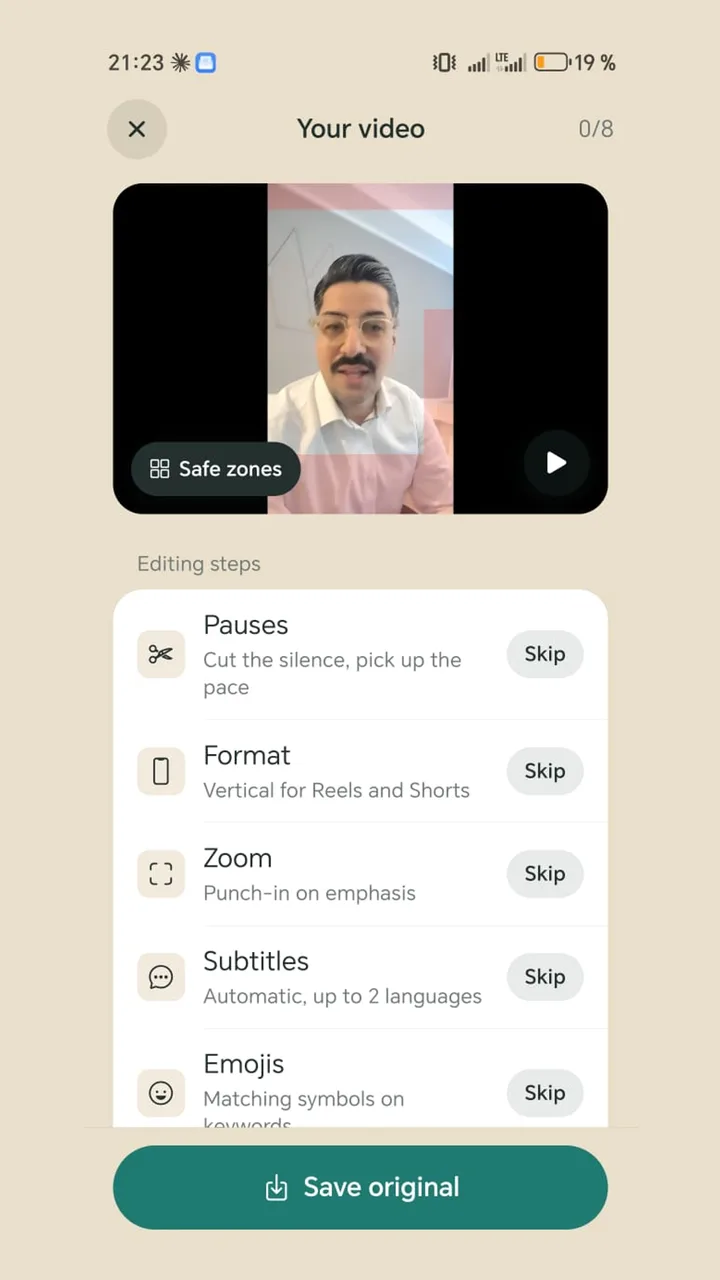
The teleprompter shows your script over the camera view, right below the lens, and you can dim the picture behind the text so your own face is less distracting. After recording, the app cuts out pauses and finds “um”, “uh” and repeated words with Whisper on the device. A zoom on sentence starts adds movement. So you don't have to speak perfectly. You just have to keep going.