
What gives reading away
Viewers rarely notice the script itself. They notice the side effects. With long lines your eyes visibly sweep left to right. Your gaze drops or drifts sideways to wherever the notes are. Your voice settles into an even read-aloud rhythm, and the pauses land at the end of a line instead of the end of a thought.
Then there's written language. Nobody says “In this video I would like to explain” in conversation. All of it can be fixed with your setup and your script.
Five ways to read on camera, compared
- Notes or cue cards next to the camera: free, but your eyes clearly leave the lens. Fine for bullet points, not full sentences.
- A laptop or monitor behind the phone: big text, but your eyes sit just off the lens.
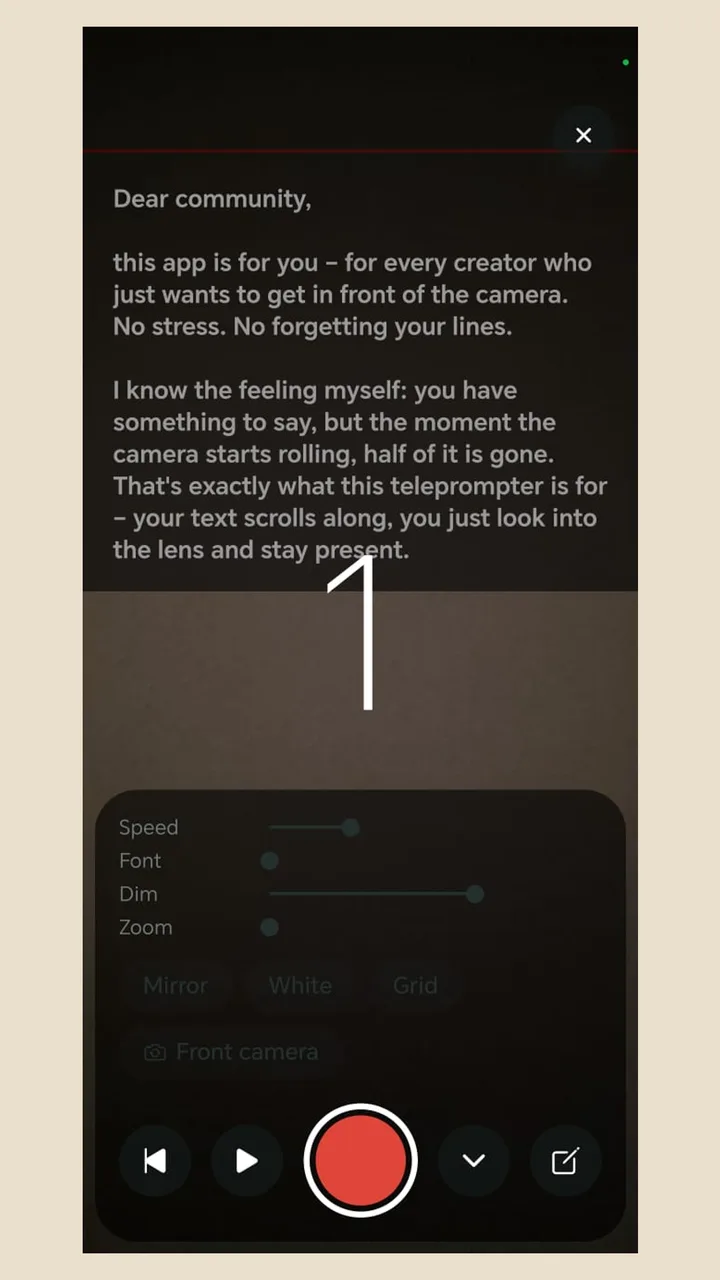
- A teleprompter app on your phone: the script scrolls over the front-camera view, right below the lens. No extra gear and the smallest eye movement. Teleprompter Cut works this way.
- A beam-splitter teleprompter: angled glass shows the text right in front of the lens. The best eye contact, but it needs a rig and mirrored text.
- Memorising: your eyes are free, but it takes time and often sounds stiffer than a well-read script.
Step by step: reading so it sounds natural
- 1
Write for speaking
Short sentences, active verbs, “you” instead of “one”. Say each sentence out loud before it goes in the script.
- 2
Keep lines short
One thought per line and a narrow column of text, so your eyes barely move sideways.
- 3
Place the phone right
Lens at eye level, at arm's length or on a tripod, text just below the camera. More distance means smaller eye movements.
- 4
Set the speed
Start a little slower than you talk and adjust during the take. Chasing the text makes you sound rushed.
- 5
Rehearse twice, out loud
Where you trip, the sentence is too long or too complicated. Rewrite it instead of drilling it.
- 6
Keep going, don't restart
If you stumble, pause and repeat the sentence. Pauses and slips can be cut out afterwards.
Example: a script that's easy to read on camera
A 30-second script written for a prompter, one breath per line:
“Losing eye contact when you read on camera? / Your text is too far from the lens. / Move it as close to the camera as you can. / Write short lines, one thought each. / And set the speed slower than you think. / Try it today with a single sentence. / You'll see the difference straight away.”
Short sentences, a natural pause at the end of every line, and only words you'd use in conversation. That's the difference between reading out and telling someone.
Delivery: how not to sound like you're reading
- Talk to one person: picture a specific client or friend behind the lens, not an audience.
- Stress one word per sentence: pick the word that matters and lean on it.
- Pause after key points: half a second of silence reads as confident.
- Use your hands: gesturing makes you sound more alive.
- Bring a bit more energy than usual: the camera flattens expression.
Common mistakes when reading a script
- Text too small and too low: you squint or tilt your head down.
- Someone else's words: a script from a colleague or an AI only sounds like you once it's in your words.
- No rehearsal: otherwise you find the tricky sentences during the take.