
Teleprompter voice scroll not working? Here is what really helps

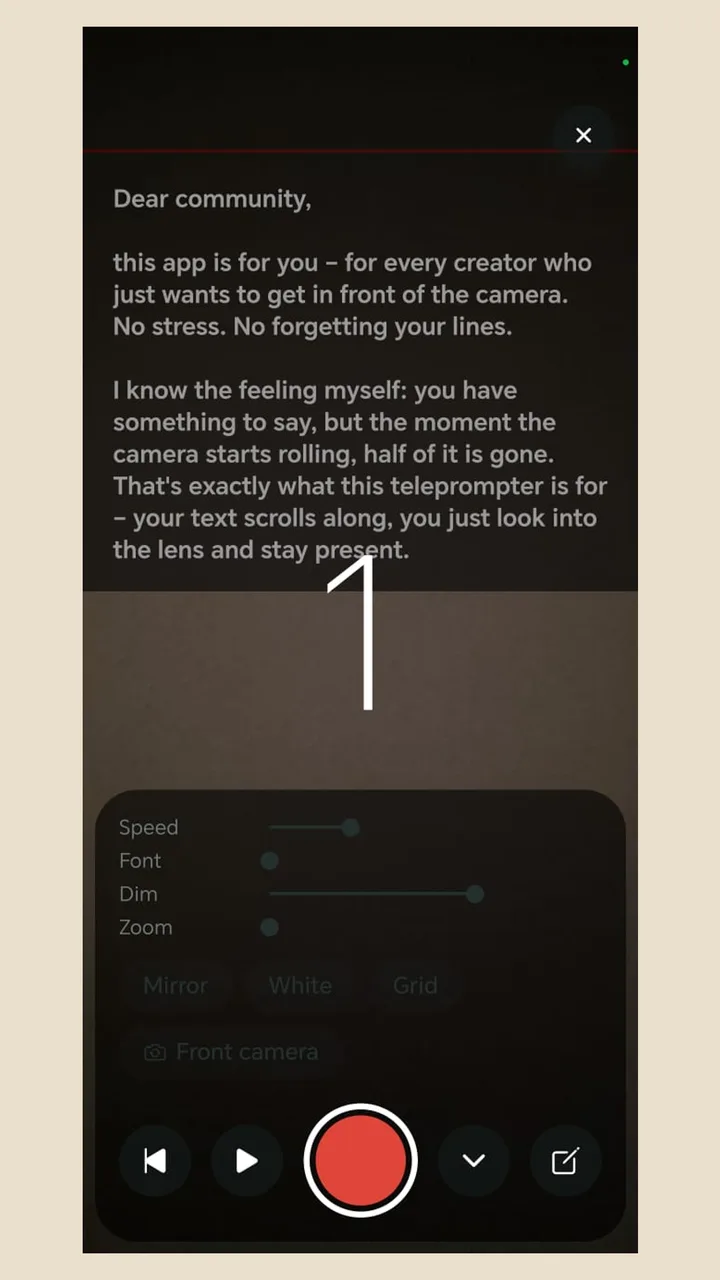
Text that follows your voice sounds ideal. In practice, unreliable scrolling is one of the most common complaints about teleprompter apps. Teleprompter Cut has no voice control, and we say so openly. The text runs at the speed you set, so it can't suddenly stop because it misheard you.

Free · No ads · No account

Teleprompter Cut: Voice scroll issues
Teleprompter CutWhat reviews complain about
Text follows your voiceNo, it runs at a set speedWhat reviews complain about ahead: Yes, when it works
Text suddenly stopsTeleprompter Cut ahead: No, it runs evenly until you pauseStops or jumps mid-sentence
With noise or an accentTeleprompter Cut ahead: Makes no difference, nothing is recognisedRecognition becomes unreliable
Control during the takeTeleprompter Cut ahead: Adjust speed, pause, rewindLittle way to step in

Complaints: our own review of 139 public 1- and 2-star ratings of six teleprompter, caption and editing apps on Google Play (English, US), as of 8 Nov 2026. A small sample, not statistics, and not a statement about any single app.

Why voice scrolling so often fails

  • The phone has to record, film and recognise speech live, all at once.
  • If you stray from the text, recognition often can't find its place again.
  • Background noise, accents, jargon and names disturb the matching.
  • Support varies by language: what works in English may not work in German.

How to make a set speed work

  1. 1

    Read the text aloud once

    The app shows the estimated speaking time, so you quickly see which speed suits you.

  2. 2

    Choose a slightly slow speed

    On camera you usually go faster than you expect.

  3. 3

    Adjust during the take

    Move the slider, tap to pause, rewind if you lose your place.

  4. 4

    Remove the hiccups afterwards

    The app cuts pauses automatically, so a pause in the take is no problem.

When voice control is still the better fit

If you improvise a lot, change pace sharply or have no hand free, voice control makes sense, as long as it works reliably in your language. Test it in those apps before you pay. For videos with a fixed script, evenly running text is enough in most cases.

Questions

Does Teleprompter Cut have voice control?

No. The text runs at an adjustable speed, and you can change it and pause mid-take.

Why does my teleprompter stop while I speak?

In voice-controlled apps, recognition loses its place, often because of noise or straying from the text. A set speed doesn't have that problem.

How do I find the right speed?

Start a little slower and adjust during the take, so you don't have to chase the text.

Do pauses while reading hurt the final video?

Hardly. The app cuts pauses automatically, and filler words too with Whisper recognition.

2,000+

downloads · Without a single euro of advertising

Get it on Google Play

Free today: no ads, no subscription, no watermark.